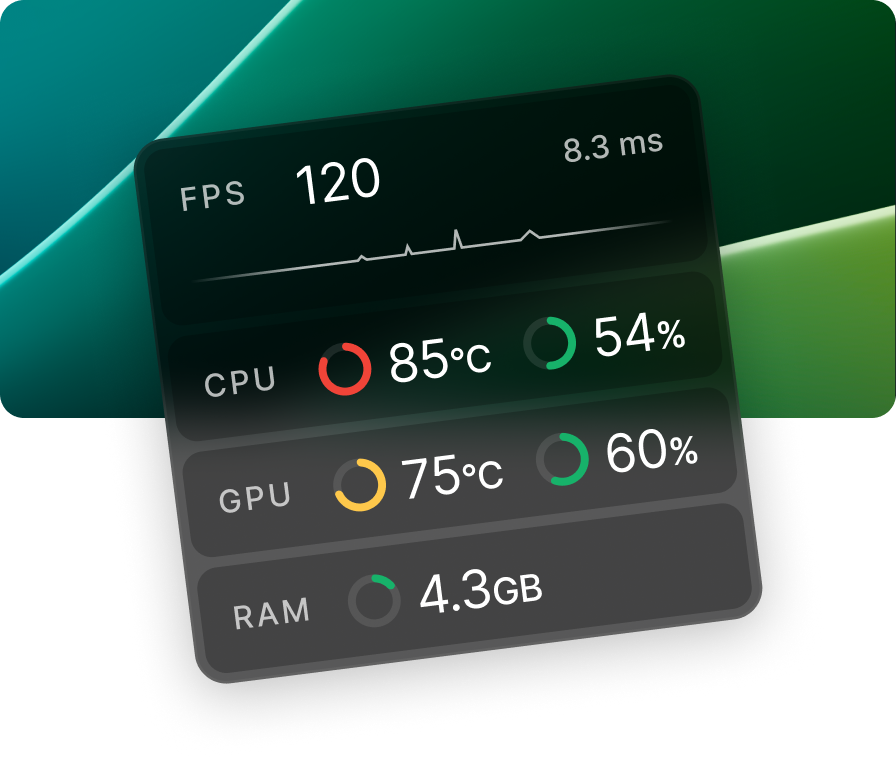
Minimalistic real-time system stats monitor
A smarter, cleaner way to stay on top of your system's performance.
Version 2.2.14 beta
A smarter, cleaner way to stay on top of your system's performance.
Version 2.2.14 beta


Explore the features that make Cleanmeter the ultimate real-time system monitor intuitive, customizable, and effortlessly powerful.

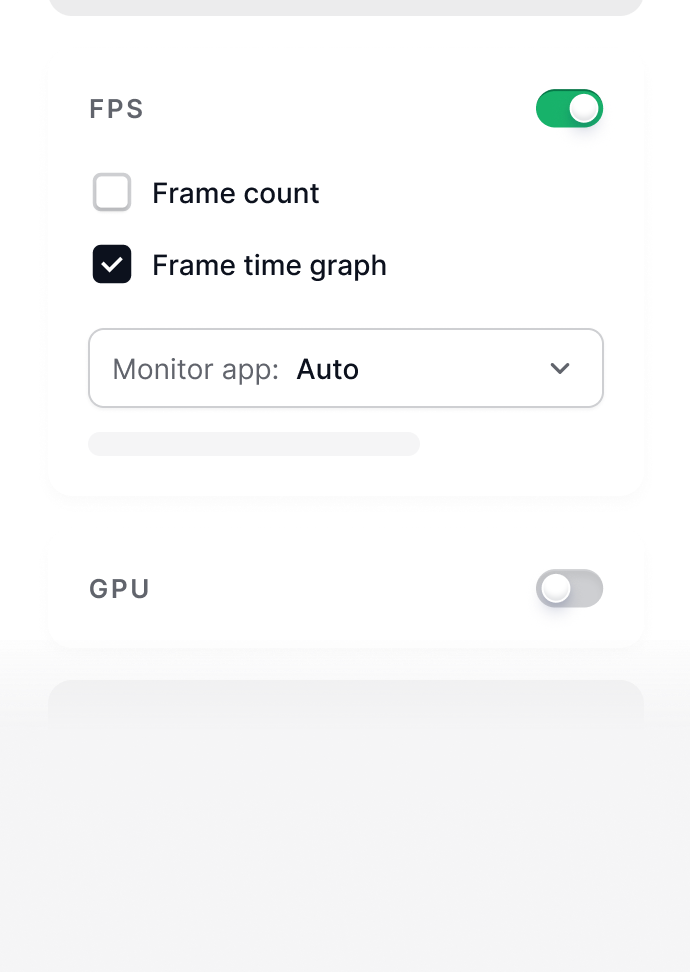
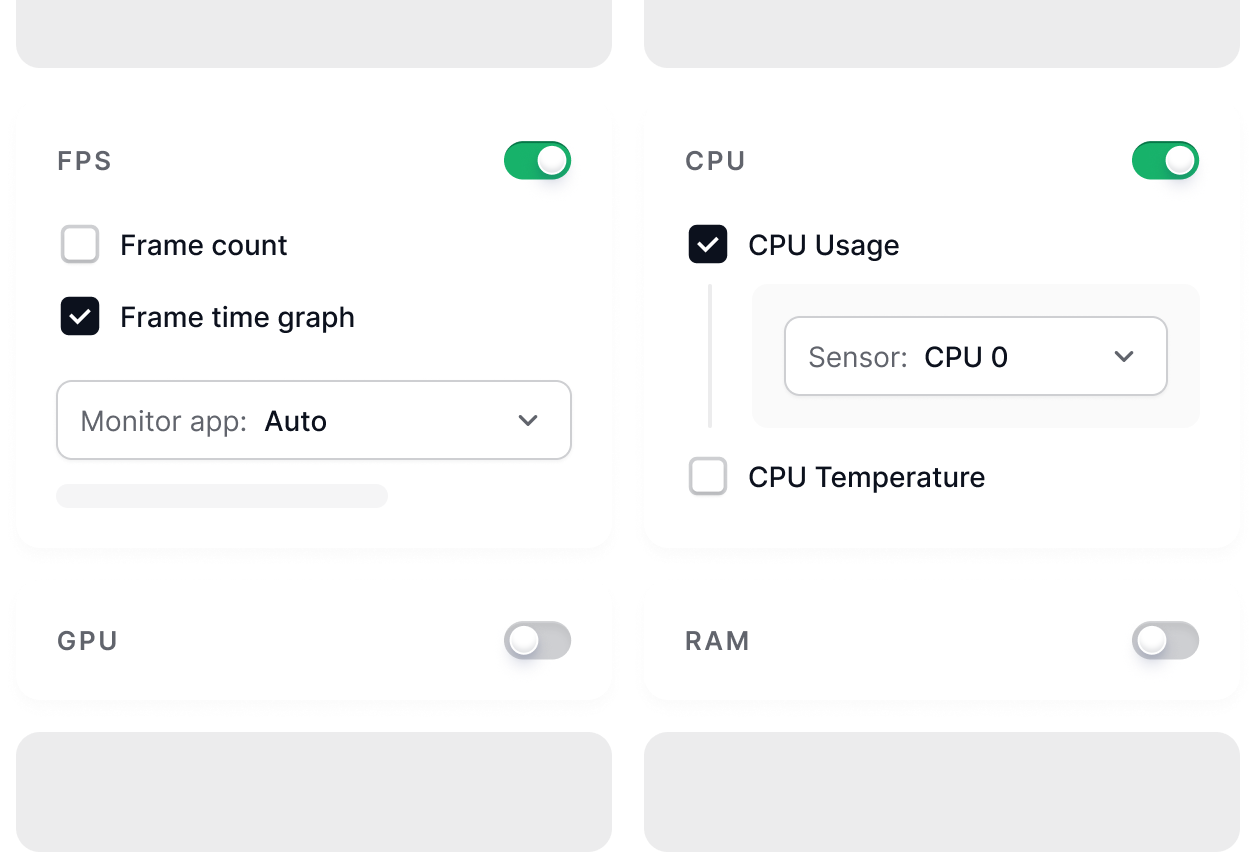
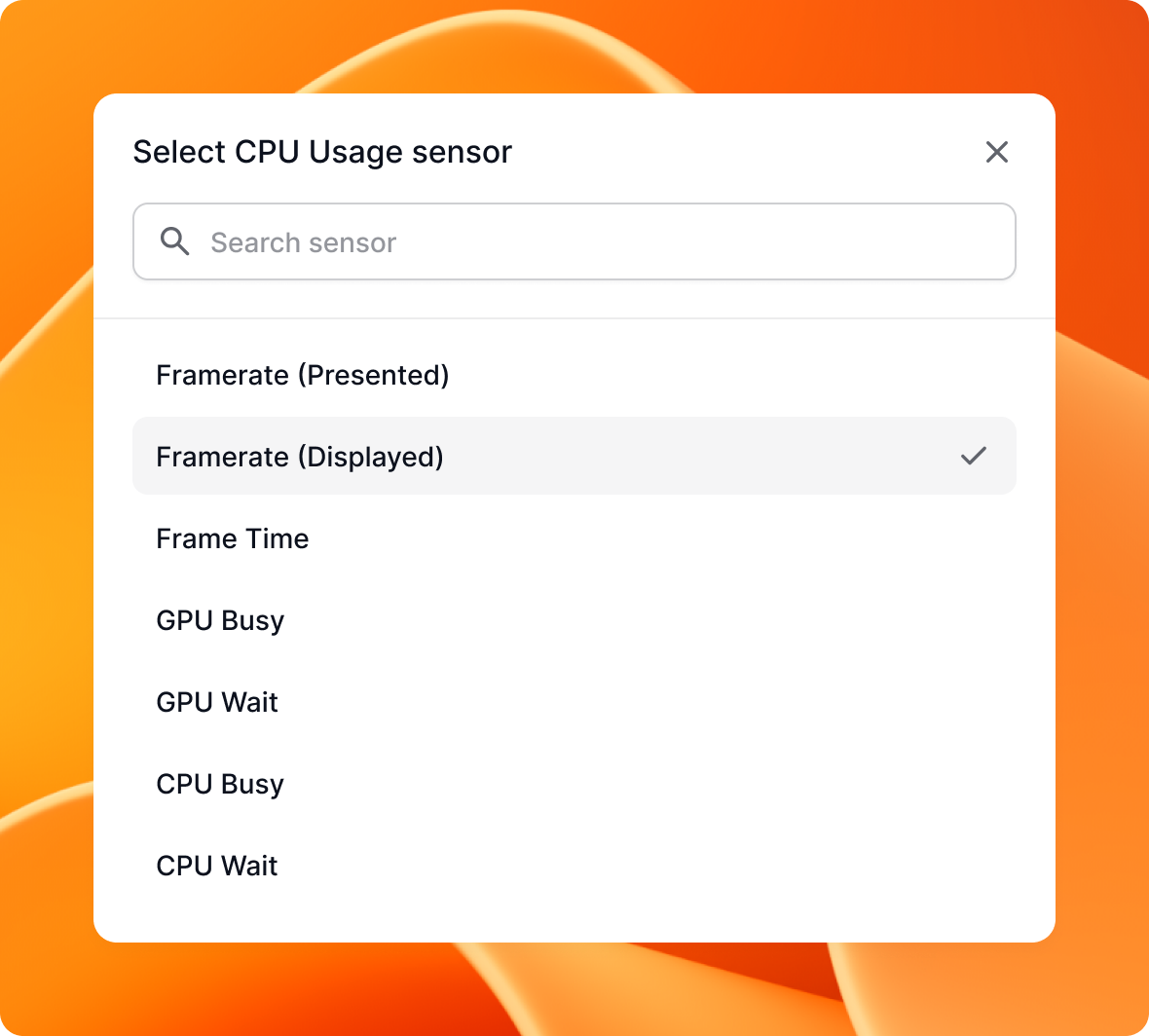
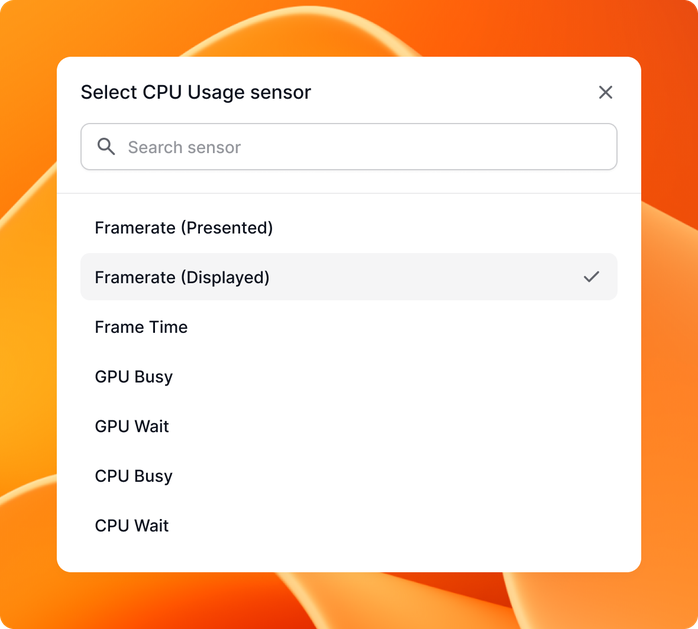
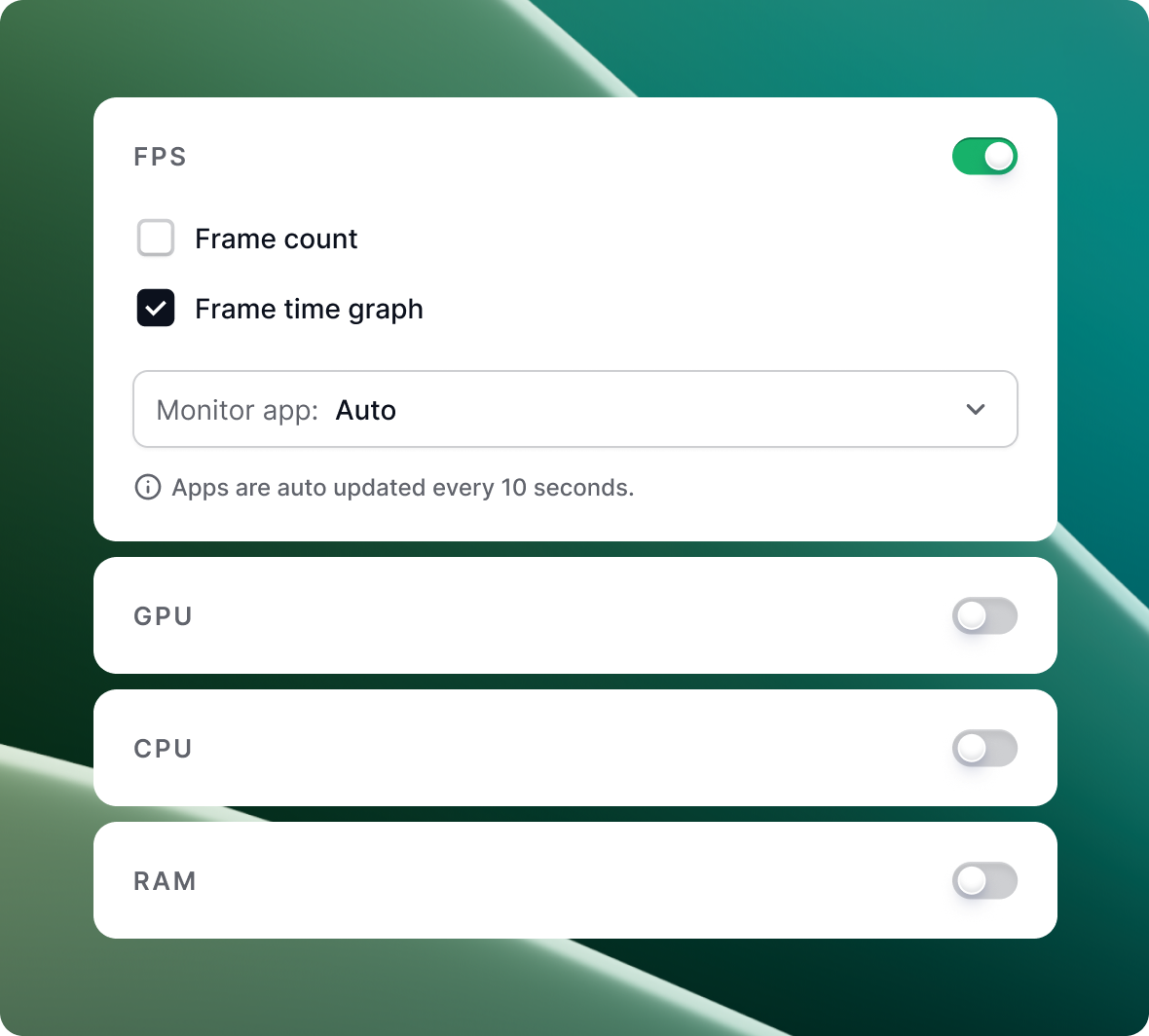
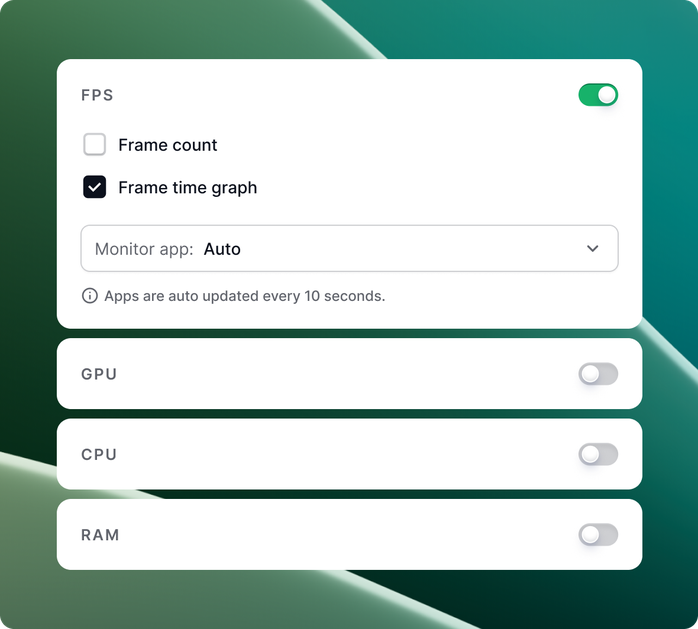
Take full control of your overlay show the metrics you need, hide the rest, and keep your screen clean and clutter-free.

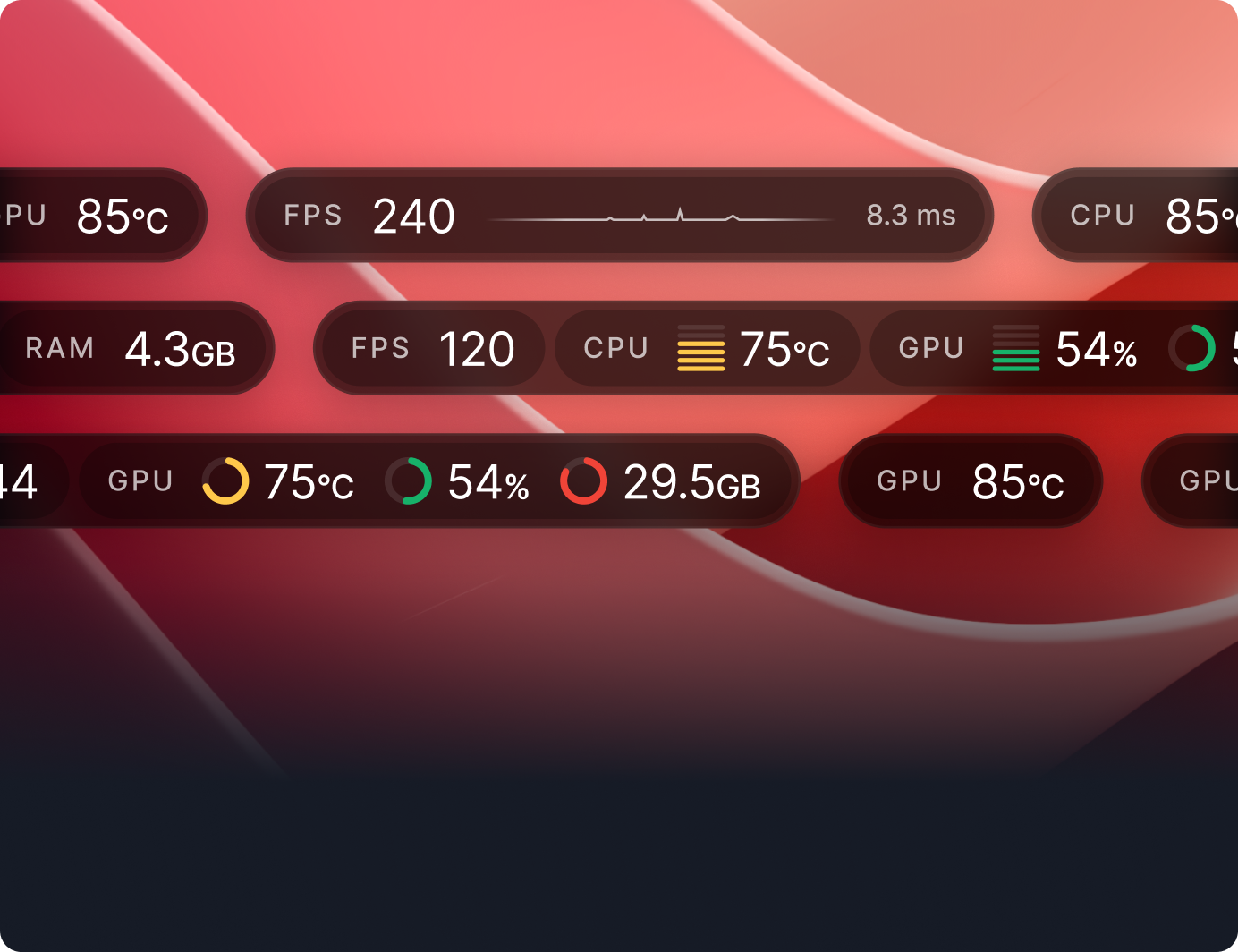
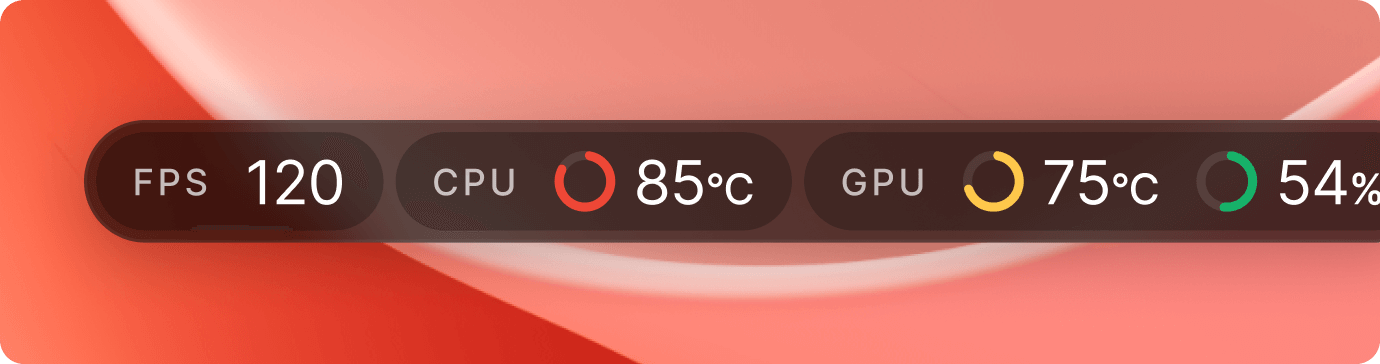
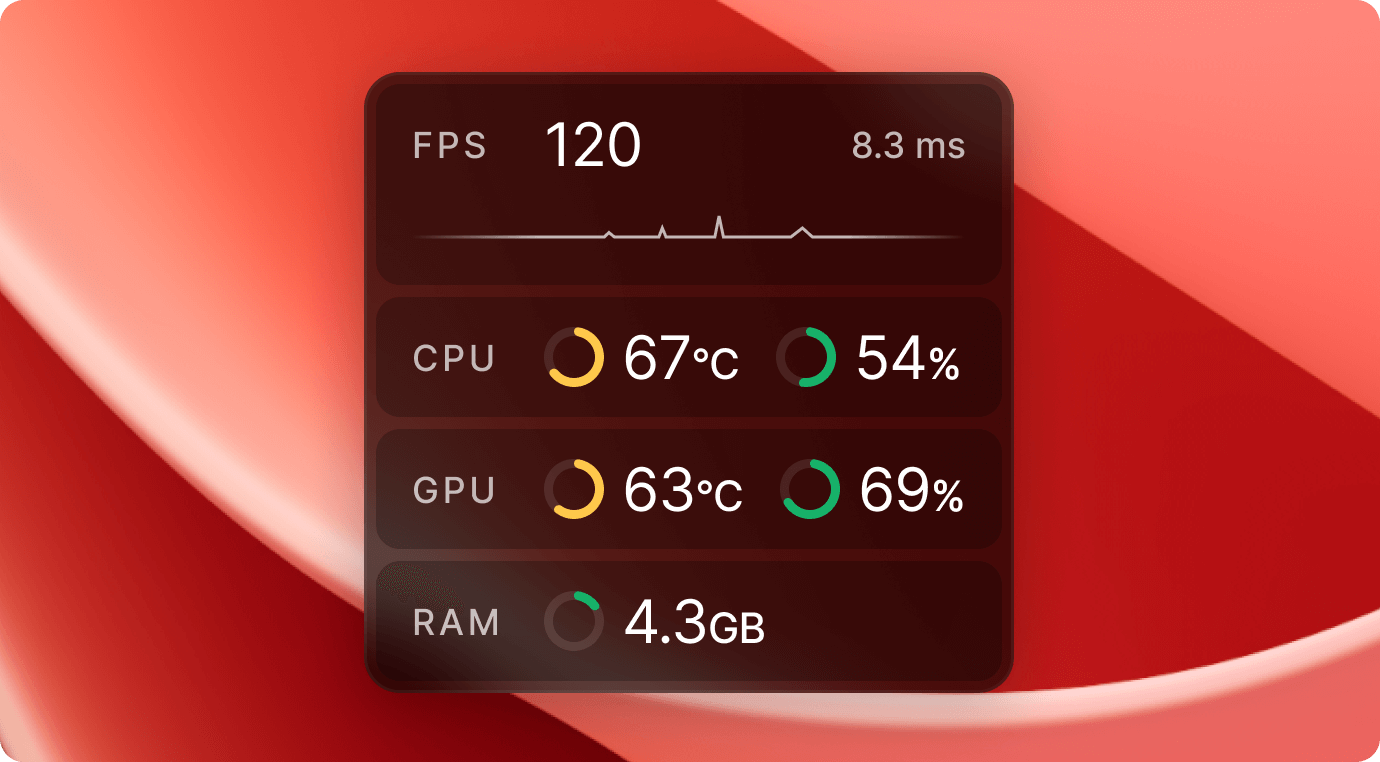
Switch between horizontal and vertical orientations
to fit your screen setup perfectly.

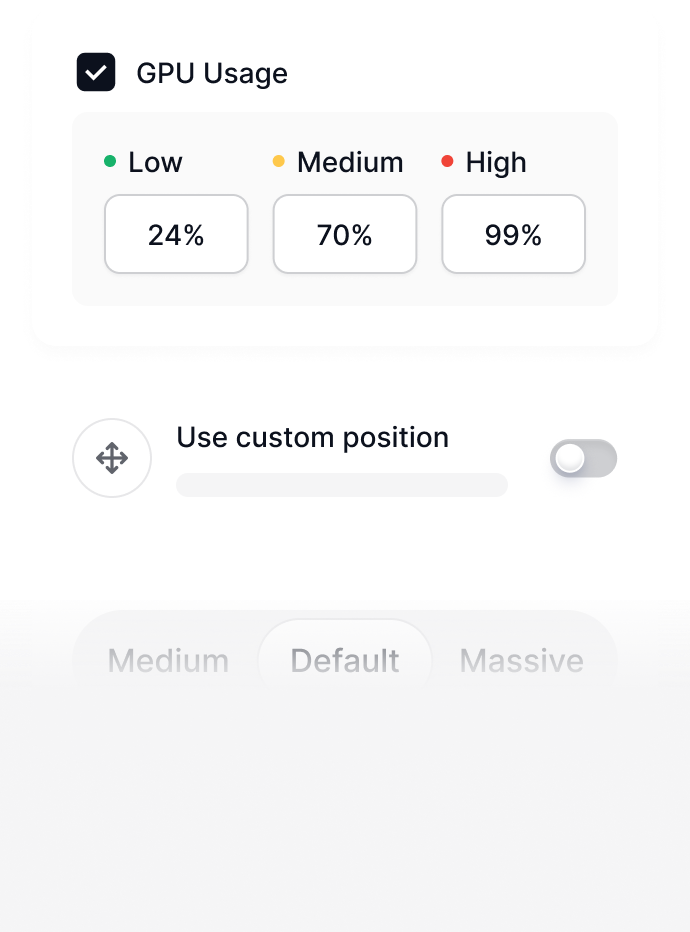
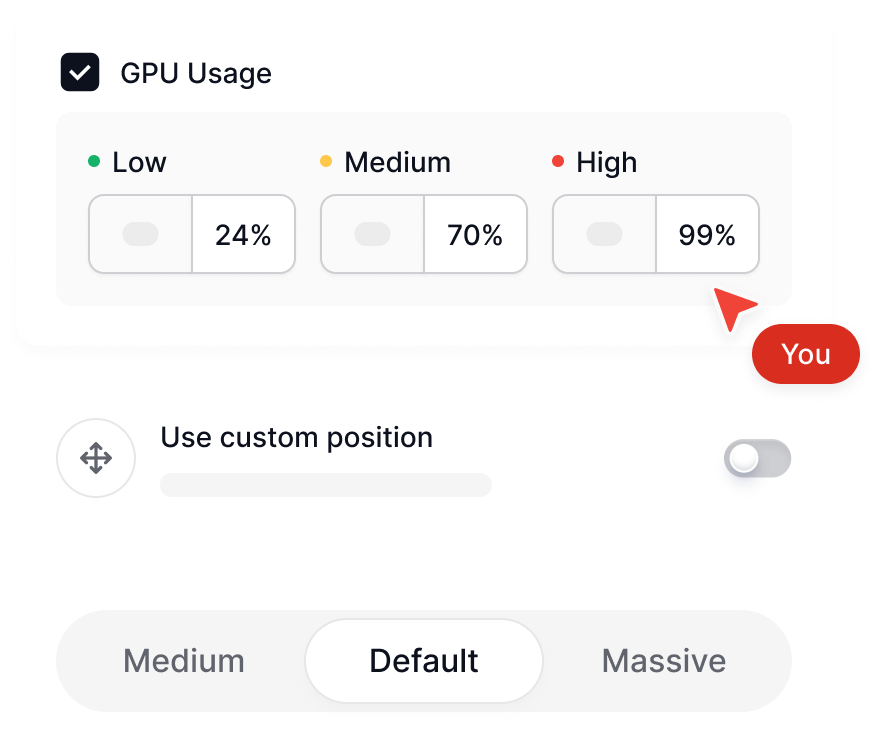
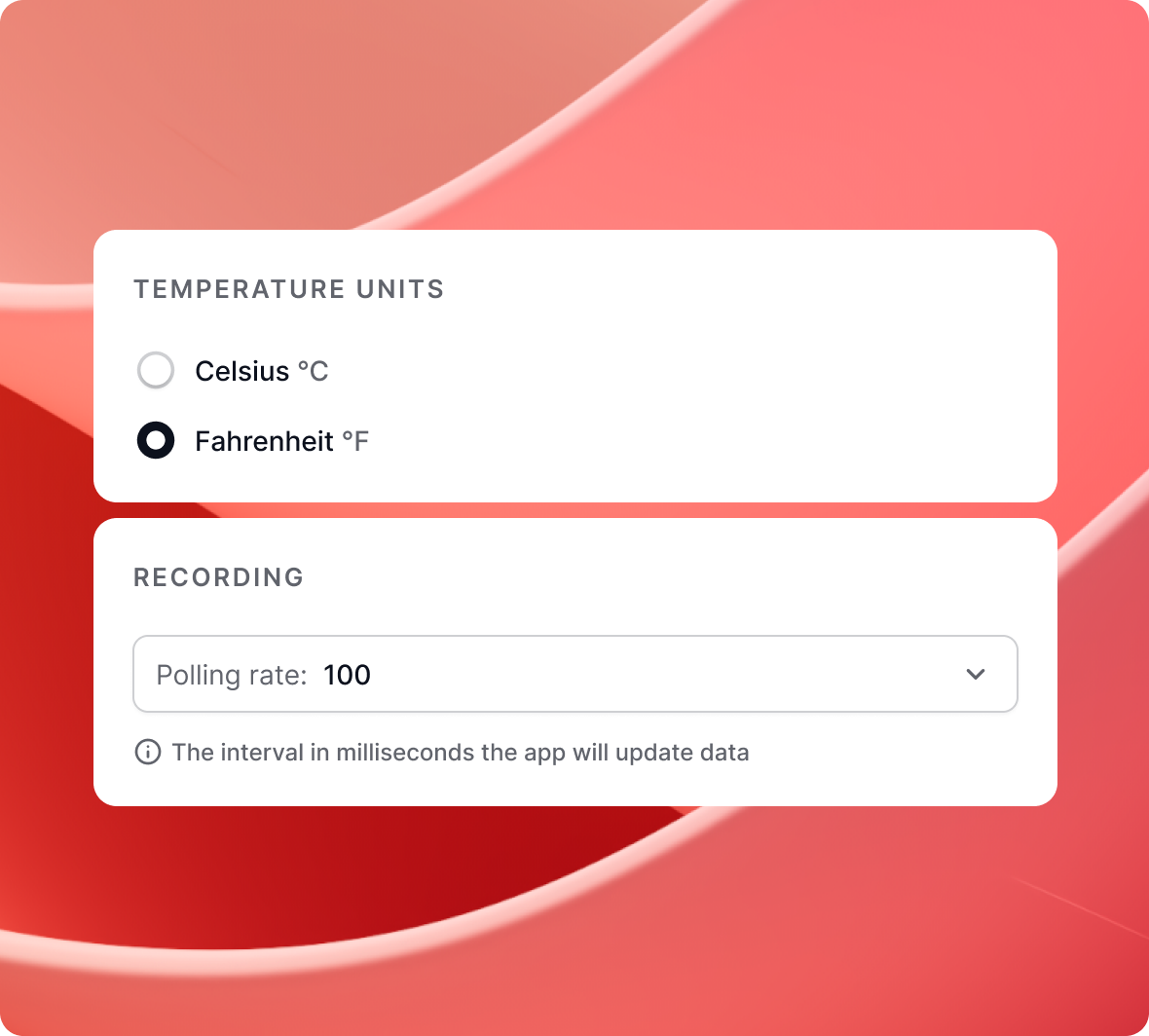
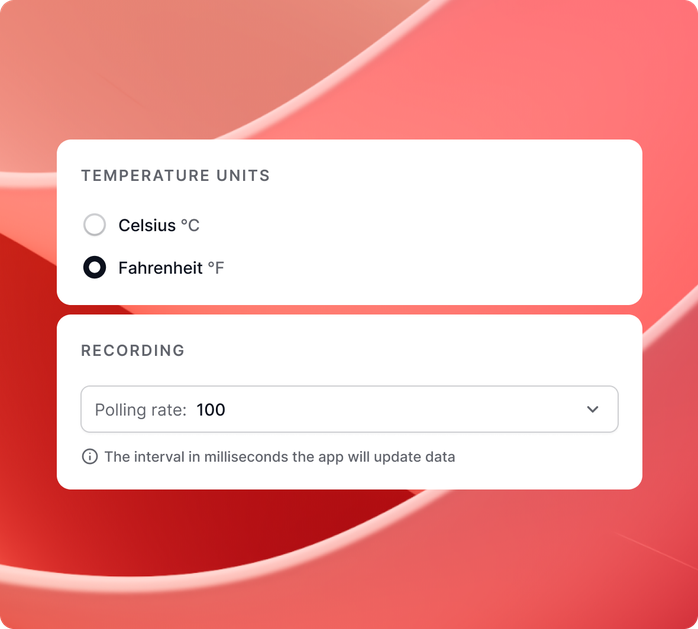
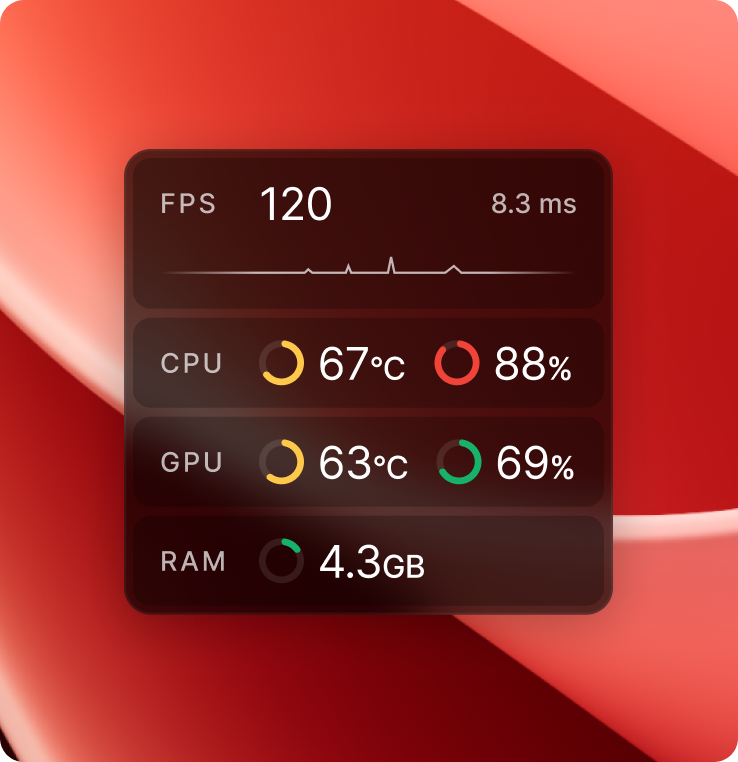
Adjust the size, opacity, and custom temperature ranges to match your needs.
Choose from different graph styles to display
system stats in a way that suits you.
Quickly show or hide the overlay with a customizable hotkey.
Lightweight and efficient, runs in the background without impacting performance.
Community-driven and transparent, evolves with user contributions and feedback.
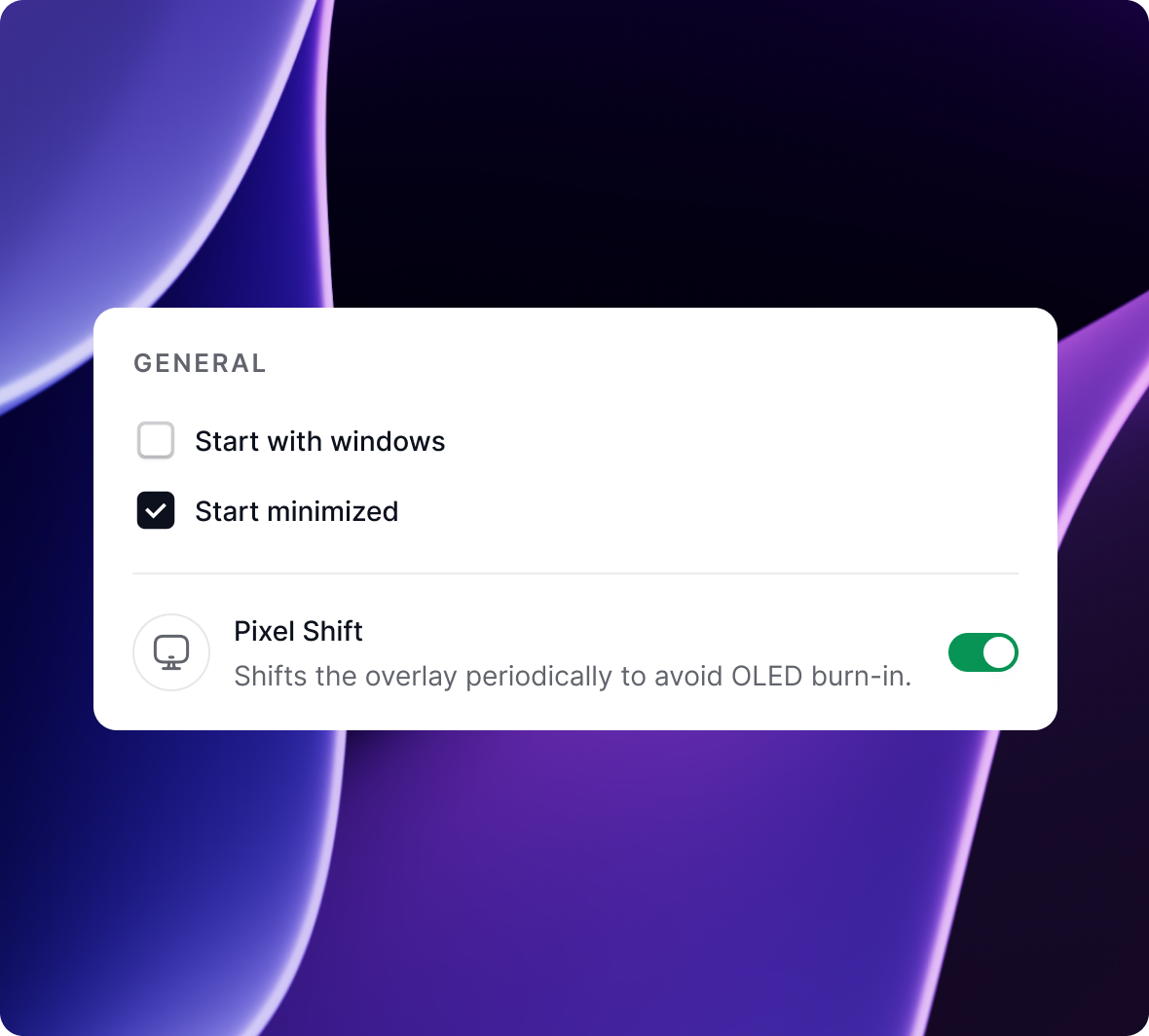
Simple to set up, easy to use, and designed for seamless monitoring.
Cleanmeter is more than a monitor, it's a tool built for your needs and shaped by those who use it.


Here's how it's making a difference for gamers, creators, and performance enthusiasts.
Cleanmeter currently doesn’t support fullscreen in games.
Windows shows that warning for any app that isn't signed with a paid code-signing certificate, it flags the missing signature, not anything in the app itself.
No! Cleanmeter is designed to be lightweight and efficient, ensuring it runs smoothly without impacting your system’s performance.
Yes, All stats are completely customizable.
Yes, we do plan to add support for Linux in future.
Hop into our Discord server it's the fastest way to reach us. Report issues, suggest features, or just come say hi.